Sadlier Connect Digital Portfolio
Sadlier Connect now offers a Digital Portfolio
Digital Portfolio is a new feature of Sadlier Connect available with the Sadlier Pre-K with Wiley Blevins program series. Sadlier Connect Digital Portfolio provides teachers with the ability to upload and store students' work for easy, on the spot access.
|
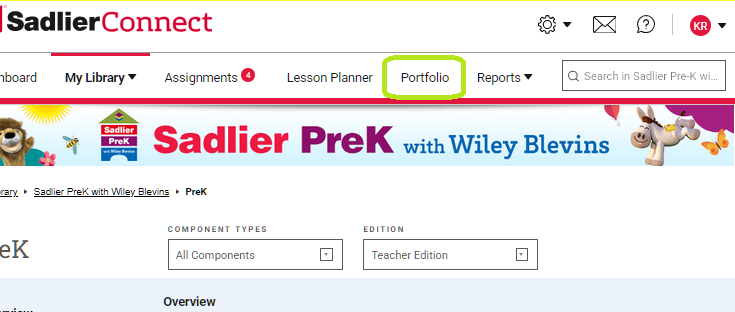
Access Digital Portfolio by clicking the tab at the top of the program. |
|
 |
| Click "+ Add an Item" to get started. | 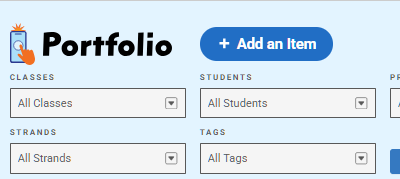 |
|
|
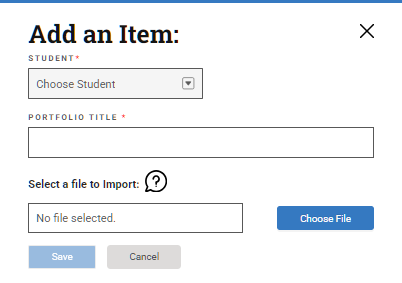
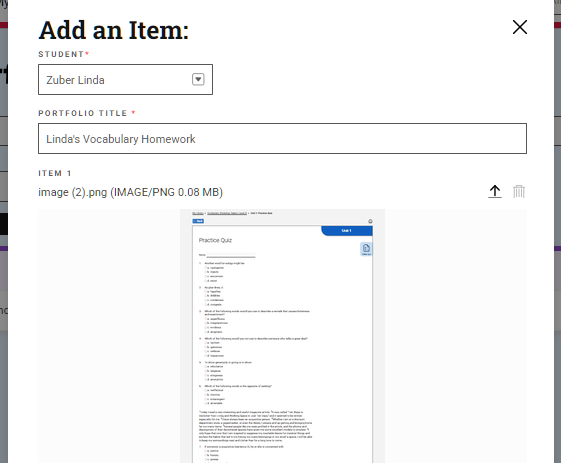
Choose a student from the Student drop down. Give the portfolio a name and click Choose File to select the item(s) you would like to upload. |
|
|
| You can upload more than one file at a time. File types that can be uploaded are: MP3, MP4, MOV, JPG, PNG, PDF
Files can be up to 50Mb in size. |
 |
|
|
You can customize the portfolio by choosing a class, the program series, unit and strand. You can also create custom tags. You can use these options to filter for and find portfolios later. Once you have filled out the required fields, save your portfolio. |
|

|
|
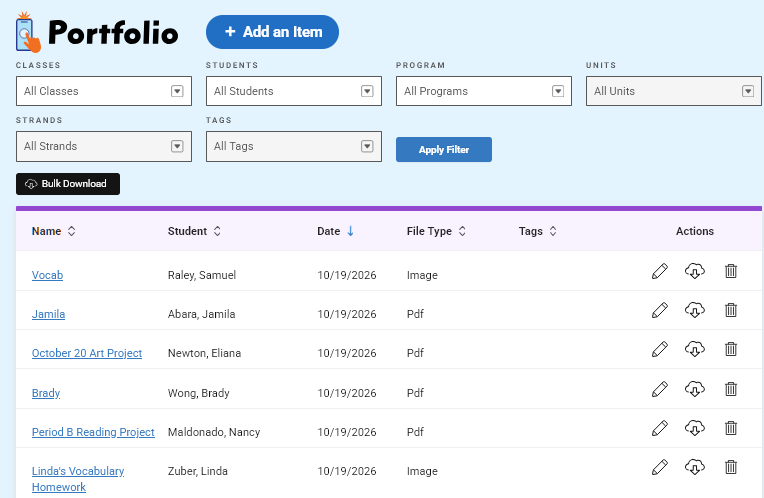
Saved portfolios will be available in the list on the Digital Portfolio page. |
|
|
| Use the filters to narrow the list of portfolios when you are looking for a particular student's work. | 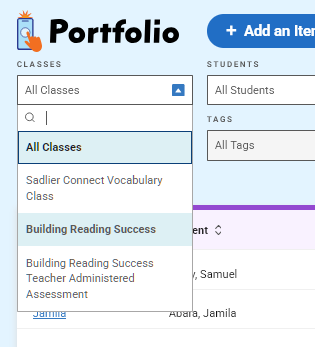 |
|
|
To view a saved portfolio, click the name highlighted in blue. |
|
|
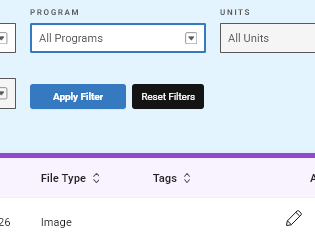
| Use the Reset Filters to see the entire list once again.
|
 |
|
|
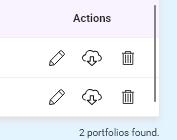
You can edit portfolios, download the files from the portfolio or remove the portfolio entirely. |
|
|
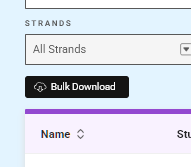
| You can also download all or selected portfolios to a zip file using the Bulk Download option. |
|
|
|
Contact your Account Manager for ordering information. |
|